LoginRadius Support
Our LoginRadius Support team is available 24/7 to answer questions and resolve issues you may encounter with the platform. Here’s an overview of our available support channels:
Self-Serve Support
Our self-serve resources provide comprehensive documentation to quickly address your questions.
Quick Links
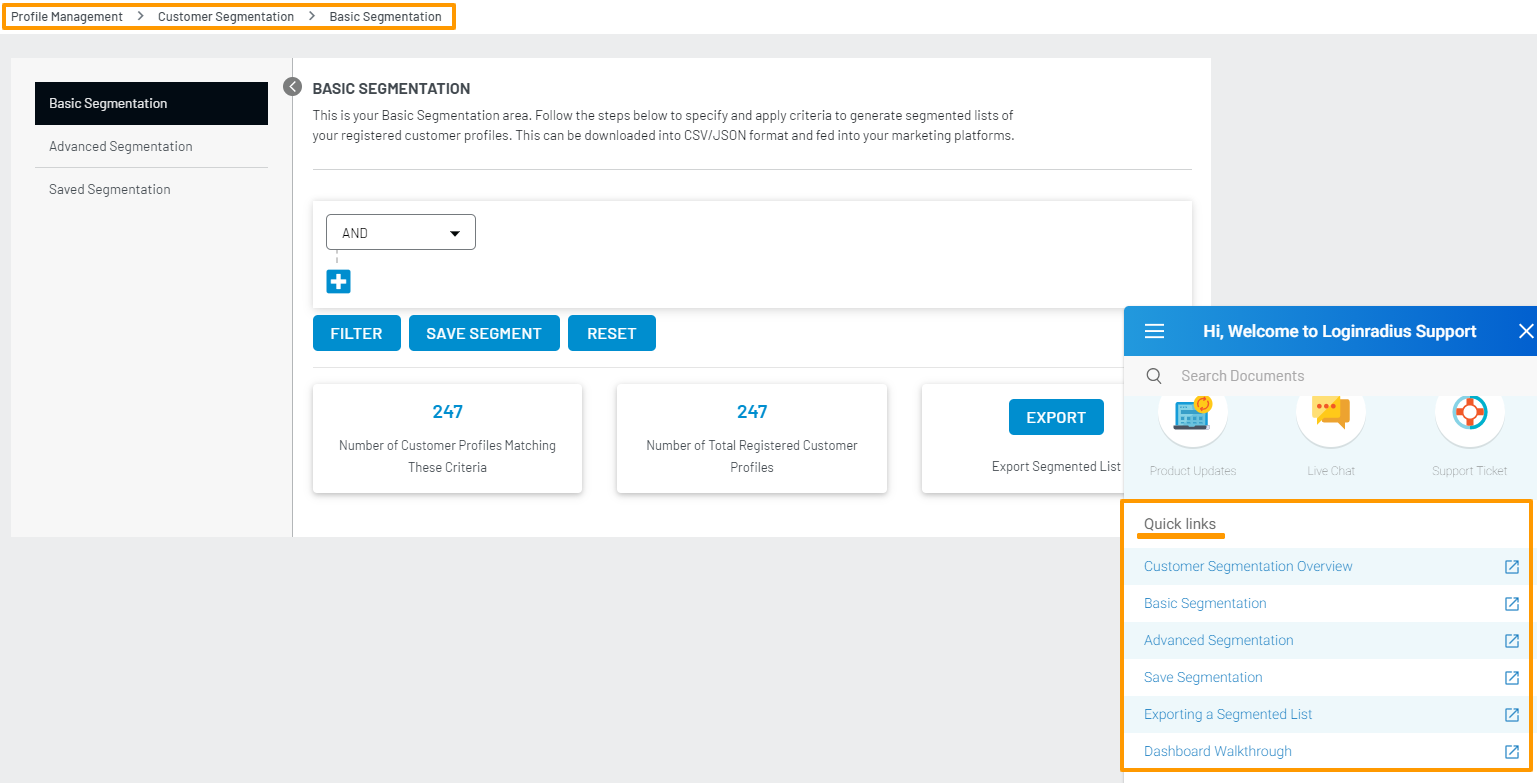
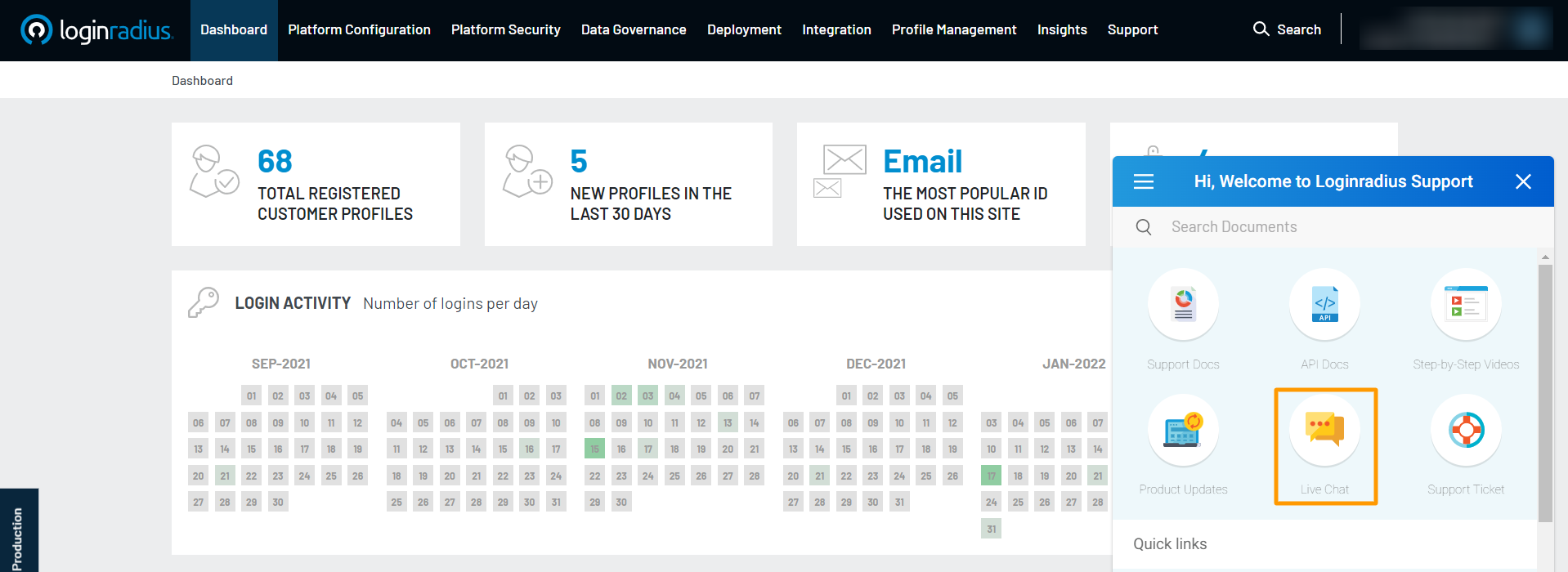
In the LoginRadius Admin Console, the Help Widget provides relevant documentation links for each section. If more information is needed, use the search feature in the widget to find additional resources.
Support Docs
The Support Docs icon in the Admin Console links to the public documentation. This resource offers implementation guides, tutorials, example code, and feature explanations.
API Docs
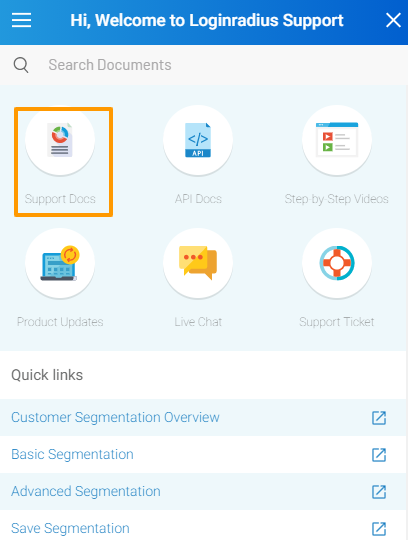
Access detailed API documentation from the API Docs icon in the Admin Console or directly here.
Support Ticket
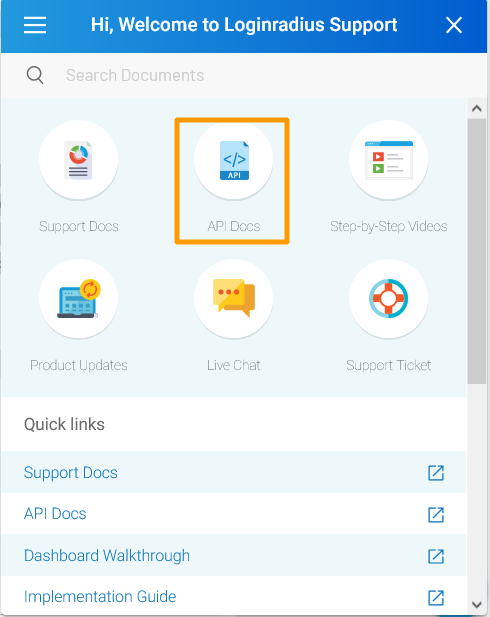
For specific queries or technical issues, create a support ticket through the Admin Console:
- Go to Admin Console, select Support > Tickets > Open A New Ticket.
- Choose Ticket Category, Priority, and fill in details in the Ticket Subject and Ticket Description fields.
- Include as much detail as possible, including steps to replicate the issue, error messages, and any troubleshooting steps you’ve tried.
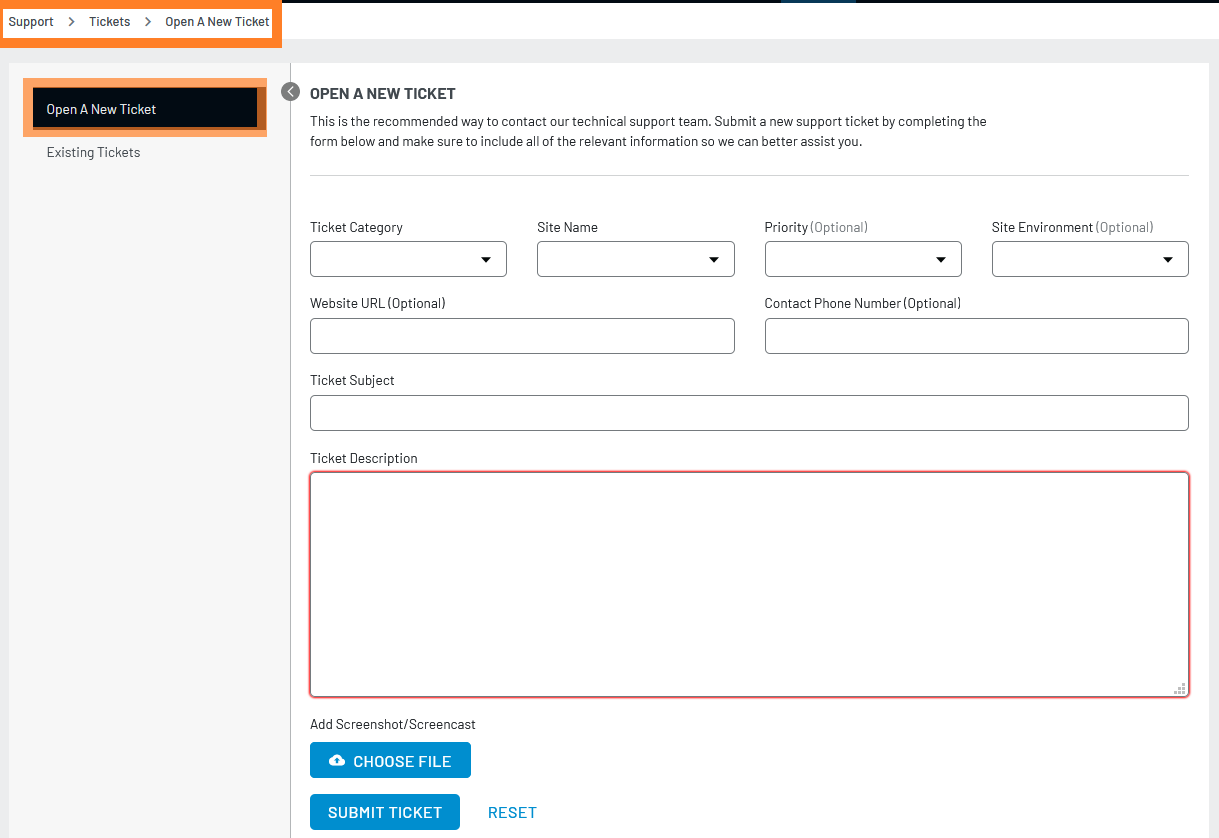
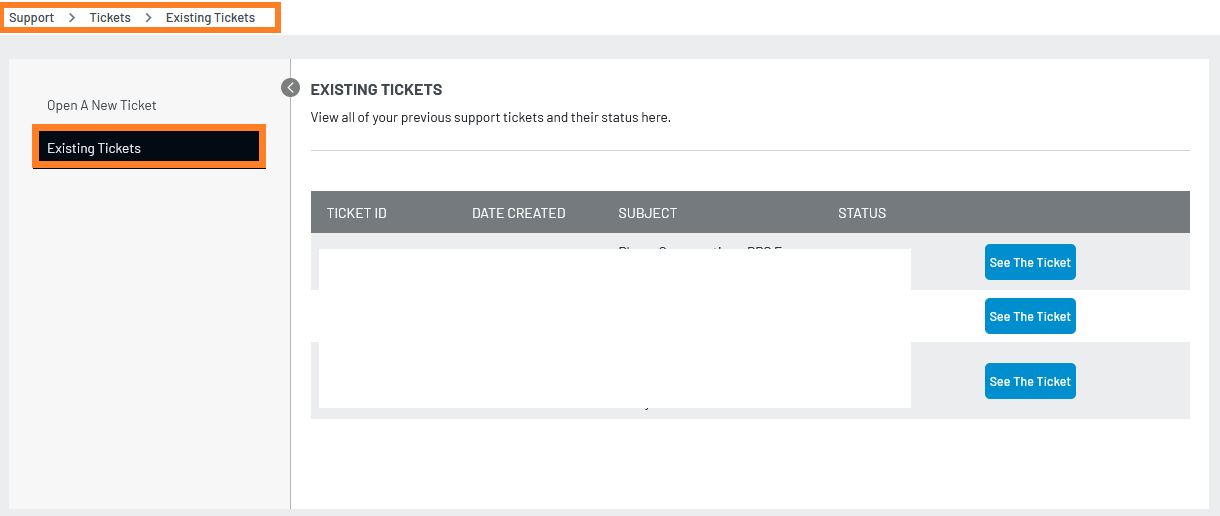
You can manage your tickets through the Existing Tickets tab, where you can view, update, or mark tickets as solved.
Live Chat
For real-time support, use the Live Chat option available in the Admin Console under Support:
- Click Support tab > Live Chat.
- Start a new conversation by entering your query in the chatbox.
You can view recent conversations by clicking See All Your Conversations.
Phone Support
LoginRadius provides 24/7 Phone Support for critical production issues. Refer to the escalation handbook for the support number and guidelines.
Support Escalation
If additional assistance is needed, reach out to your dedicated Customer Success or Implementation team, or contact your executive sponsor for escalations. Refer to the escalation handbook for available channels and details.